macOS
Apple Silicon and Intel
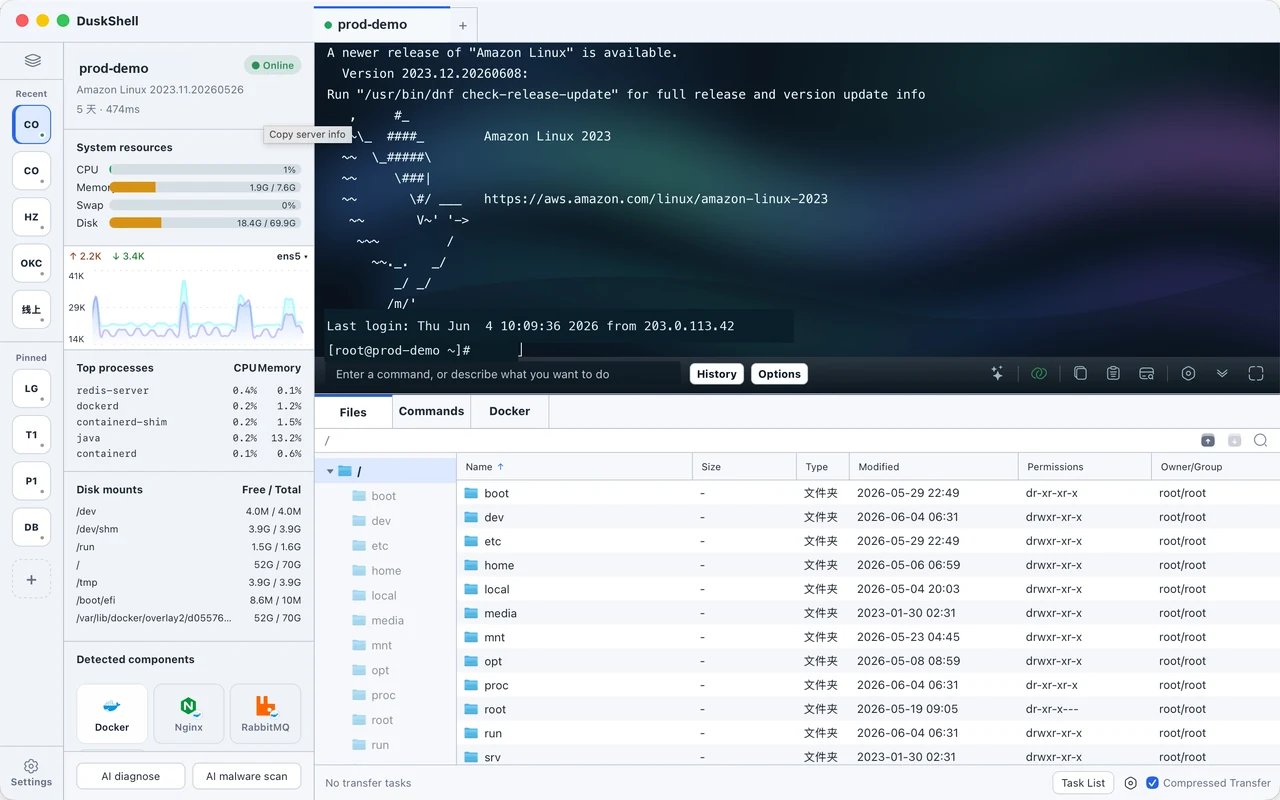
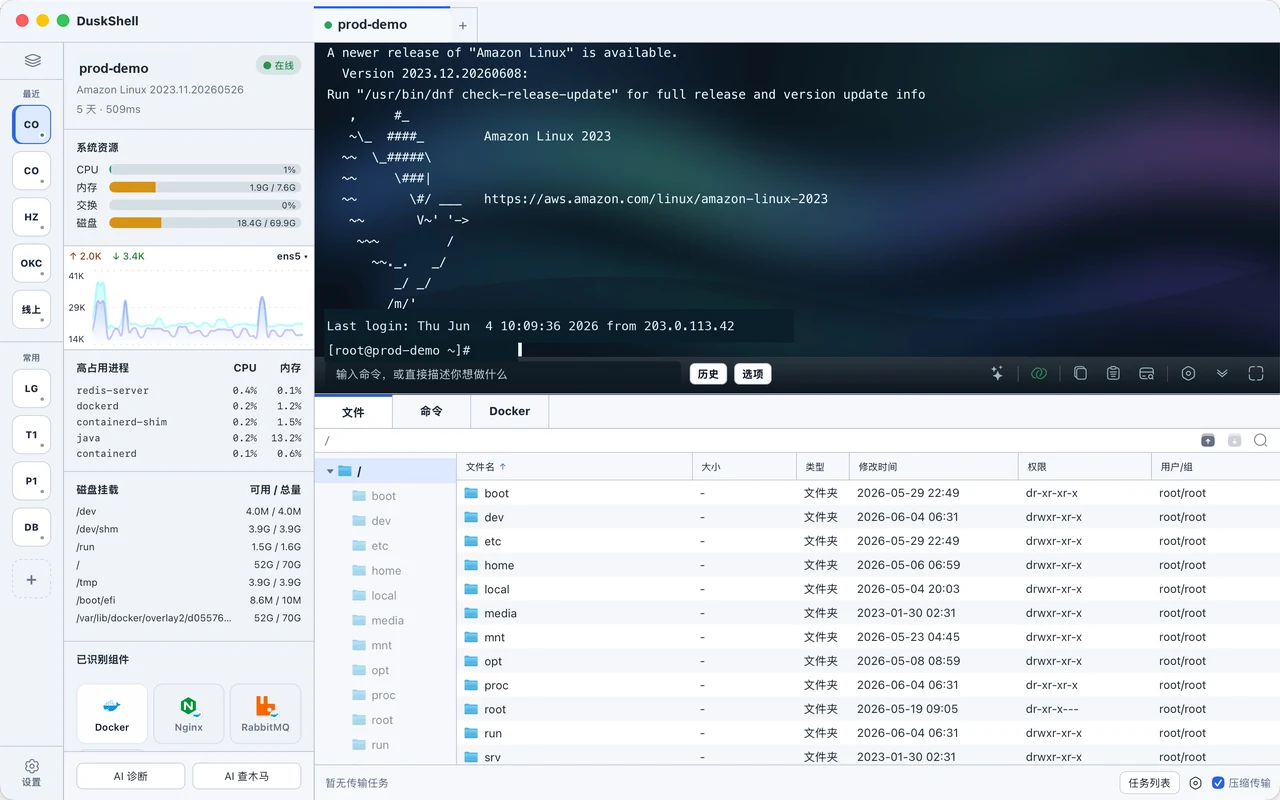
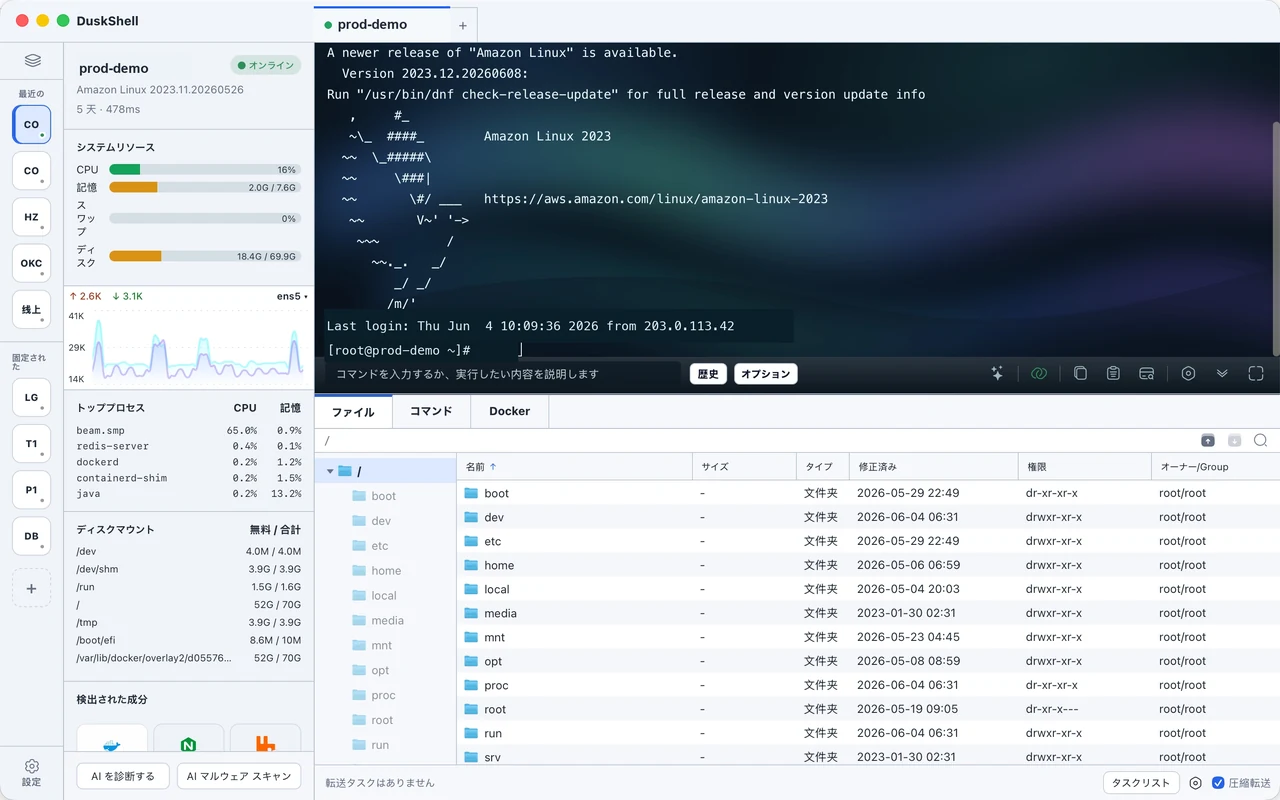
DuskShell keeps direct SSH control and adds server status, remote files, logs, command hints, and AI-assisted diagnostics in one desktop interface.
Download the desktop app, then sign in to manage membership and device authorization.
Download links are resolved from the release system, so the website always points to the current published package.
Apple Silicon and Intel
x64 and ARM64
iPhone and iPad
Check CPU, memory, disk, network, processes, and ports first. Then decide whether to read logs, edit files, or return to the terminal.
Avoids re-checking commands for every deploy, file transfer, or log search.
Uses a terminal plus files and status panels in one place.
Sees config, certificates, error logs, and service status together.
Save common servers and open terminal sessions quickly.
Get suggested commands and explanations for the task at hand.
Browse, upload, download, and edit server files.
Check CPU, memory, disk, and network before guessing.
DuskShell does not hide the terminal. It keeps direct SSH control while surfacing command meaning, log clues, and operational risk near the action.
Get suggested commands and explanations for the task at hand.
Keep system logs, application logs, and service output inside the maintenance flow.
Deletes, restarts, and overwrites stay explicit.
It explains logs and commands. You remain in control.
Browse, upload, download, and edit server files.
SSH stays central. Status, files, logs, command hints, and AI diagnostics sit beside it. When Docker, Nginx, or similar components are detected, DuskShell shows the matching tools.
Check CPU, memory, disk, and network before guessing.
Show matching tools when Docker, Nginx, or similar components are detected.
Keep system logs, application logs, and service output inside the maintenance flow.
DuskShell organizes information, explains risk, and suggests common actions, but important changes still require your confirmation.
Start free. Upgrade when you need more servers, devices, and advanced tools.
先用起来
SSH 和文件管理
适合日常使用
更多服务器和管理工具
一次买断
无需续费
No. It keeps SSH and adds server status, remote files, logs, command hints, and connection diagnostics.
No. Deleting files, overwriting config, restarting services, and stopping containers should still require your confirmation.
The website never asks for SSH private keys. Client secrets should be local-first unless you explicitly enable online sync or diagnostics.
The product is designed around common SSH login methods, including password, key, and passphrase flows. Final support follows client releases.
No. They are optional component tools. The core product is SSH server management for developers.
Yes. DuskShell is for people who maintain more than one server; accounts handle membership, device authorization, and future sync.
Developers, small teams, site owners, and people who maintain servers frequently.
Yes. When the environment is detected, DuskShell can show tools around status, logs, ports, and configuration checks. Exact capabilities depend on the client version.
Accounts handle membership, device authorization, and future sync features.
The website currently focuses on the desktop app. Download options will appear as releases are ready.
If you regularly SSH into servers, move files, edit config, read logs, and debug production issues, DuskShell reduces window switching and command lookup.
Download DuskShell